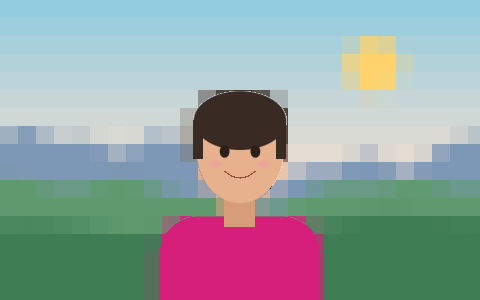
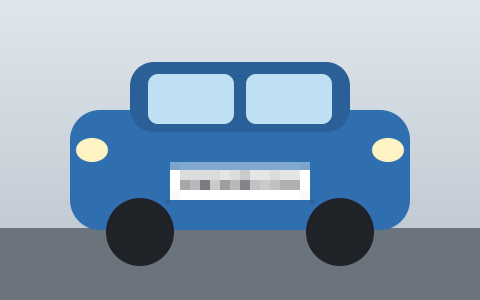
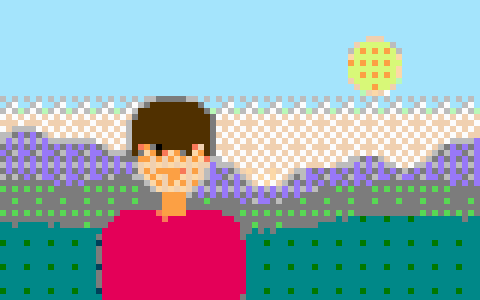
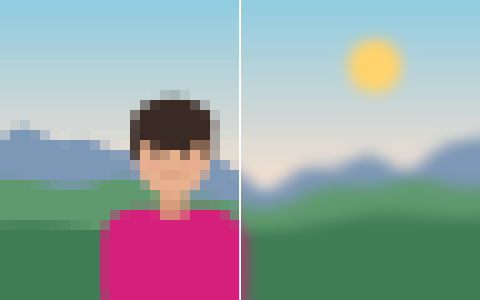
Real averaged blocks, not sampled ones
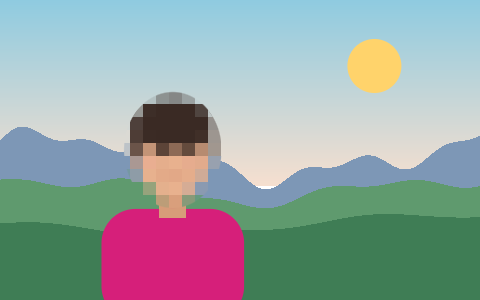
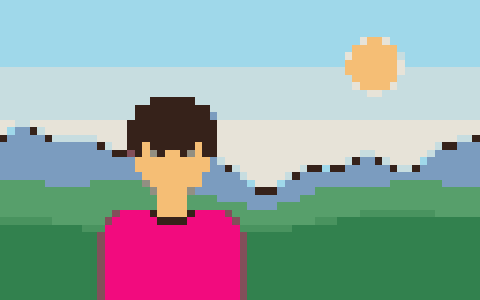
Many pixelators pick one pixel from each block and stretch it. That is fast, but it flickers as you change the size and can keep a stray bright pixel that gives detail away. Here every block is the average of every pixel it covers, weighted by transparency, so the result is stable and honest to the picture's colours.
Block size is set in pixels, or as the number of blocks across the picture — handy when you want the same look on a 600 px thumbnail and a 4000 px original.
Five ways to hide
Pick the style that suits the picture. The same style is applied to the whole-picture layer and to every region you draw.
- Square pixels — the classic look, true area averages.
- Hex mosaic — hexagonal cells, softer on faces and skin.
- Crystallize — irregular glassy cells around random seeds.
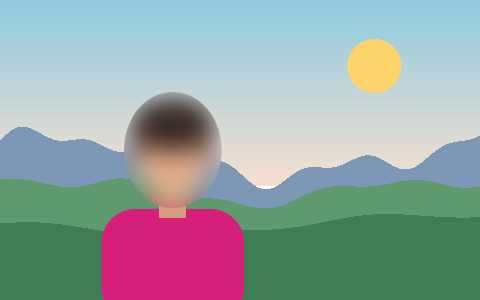
- Blur — a three-pass box blur that approximates a Gaussian.
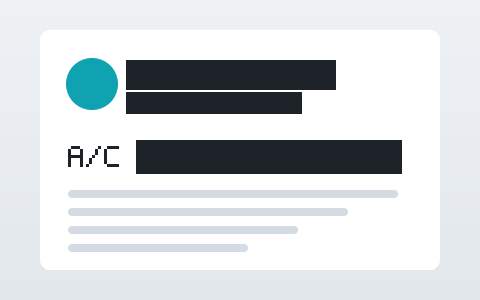
- Solid bar — an opaque block; the right choice for text and numbers.
Made for privacy, not just for looks
Safety mode is on by default. It stops a small region from being pixelated at a block size that would leave it recognisable, adds a little random noise to each block, and shifts the grid by a random amount. The download is a freshly encoded file with no EXIF, GPS or camera data.
When you need to hide a face, the face finder marks it for you; when you need to hide the background, the person finder separates it. Both are optional downloads that run on your device.
Questions
Is this pixelator really free?
Yes. There is no account, no watermark and no export size cap beyond what your browser can hold in memory. Very large photos are scaled to 8192 px on the long edge and the page tells you when that happens.
Is my photo uploaded anywhere?
No. The picture is decoded, pixelated and encoded inside your browser tab. The only optional downloads are the small AI model files for face and person finding, and they are fetched only when you press their button.
Can someone unpixelate my image?
Not from the file you download. The export is a new picture: only the averaged colours are written, the original pixels inside a region are gone, and no layers or edit history are saved. With safety on, each block also gets a small random colour offset and the grid starts at a random position, which defeats the pattern-matching that tools like Depix use on pixelated text.
Which formats can I open and save?
Anything your browser can decode — JPG, PNG, WebP, GIF (first frame), AVIF and, in Safari, HEIC. You can save as PNG, JPG or WebP, with a quality slider for the last two.
How do I pixelate only part of the image?
Switch off “Whole picture”, then draw a rectangle, ellipse, brush stroke or lasso over what should be hidden. Regions stay editable: select one to move it, resize it or switch it off.